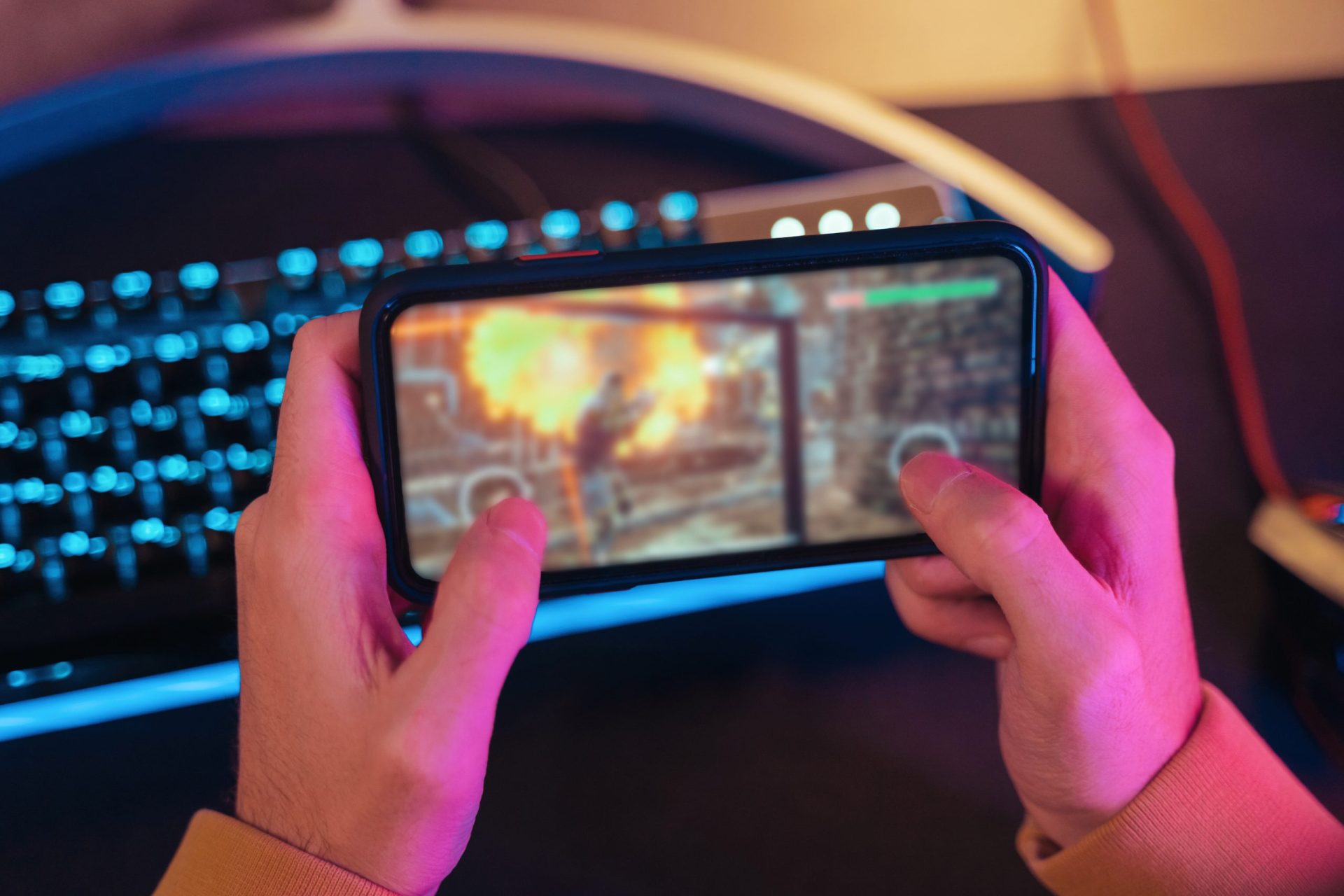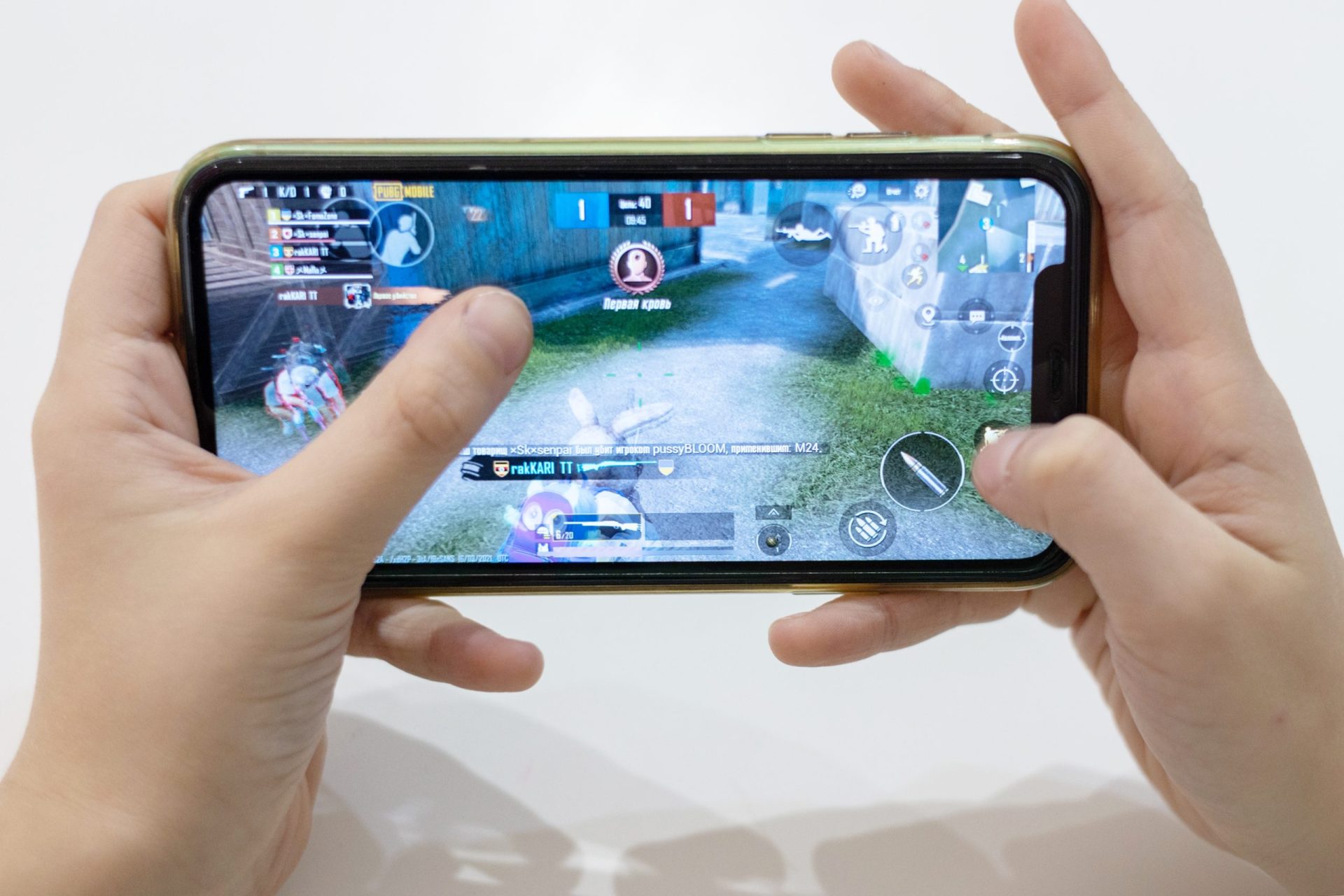

Mobile gaming drains battery fast because games use the CPU, GPU, screen refresh rate, and internet connection all at once. If you play games like PUBG Mobile, COD Mobile, or Genshin Impact, you’ve probably noticed your battery dropping quickly.
Here are the most effective battery saving tips for mobile gamers that actually work in 2026.
1. Lower Screen Brightness
Your display is one of the biggest battery consumers.
What to do:
- Set brightness to 40–60%
- Use auto-brightness in indoor environments
Why it helps:
Reducing brightness can save a significant amount of power during long gaming sessions.
2. Turn Off High Refresh Rate (When Not Needed)
120Hz or 90Hz screens look smooth but drain battery faster.
When to disable:
- Casual gaming
- Long sessions
- When battery is low
Recommended:
Switch to 60Hz for better battery life
3. Close Background Apps Before Gaming
Background apps silently consume power and RAM.
Steps:
- Close all recent apps
- Disable background sync for unused apps
- Turn off auto-updating apps
Result:
Less load on CPU = better battery efficiency.
4. Use Game Mode or Battery Optimization Mode
Many phones have built-in gaming tools.
What it does:
- Optimizes CPU usage
- Reduces background activity
- Balances performance and battery
Tip:
Use “Balanced Mode” instead of “Performance Mode” when battery is low.
5. Turn Off Vibration and Haptics
Vibration motors use more battery than you think.
Disable:
- Keyboard vibration
- Game vibration feedback
- Haptic feedback (if not needed)
Result:
Small but noticeable battery savings.
6. Disable Bluetooth, GPS, and Hotspot
These features drain power even when not actively used.
Turn off:
- Bluetooth (if not using headphones)
- Location services (GPS)
- Mobile hotspot
Why it matters:
Reduces unnecessary background power usage.
7. Lower Game Graphics Settings
High graphics = higher battery drain.
Recommended settings:
- Graphics: Low or Medium
- Frame rate: Balanced (not Ultra)
- Shadows: Off
- Effects: Low
Result:
Less GPU load = longer battery life.
8. Avoid Playing While Charging
This is one of the most common mistakes.
Why it’s bad:
- Causes overheating
- Slows charging speed
- Reduces long-term battery health
Best practice:
Charge before playing or take breaks.
9. Use Airplane Mode (Offline Games Only)
If you’re playing offline games, this works great.
Benefits:
- Stops network drain
- Reduces background signals
- Improves battery life significantly
10. Keep Your Phone Cool
Heat increases battery drain and reduces performance.
Tips:
- Remove phone case during gaming
- Avoid direct sunlight
- Don’t play under pillows or blankets
Why it matters:
Heat forces your phone to use more power and reduces battery health.
11. Update Your Games and System
Optimized software uses less power.
Always update:
- Game versions
- Android/iOS system
- Device drivers (if available)
Result:
Better performance + improved battery efficiency.
12. Use Dark Mode (If Supported)
Dark mode helps on OLED screens.
Why it helps:
- Black pixels use less power
- Reduces screen energy consumption
Final Thoughts
Saving battery while gaming is all about smart settings and usage habits, not limiting your gameplay.
Key takeaways:
- Lower brightness and refresh rate
- Close background apps
- Use balanced performance modes
- Avoid overheating
- Reduce unnecessary connectivity
Simple conclusion:
You can extend gaming time by 30–50% just by optimizing settings correctly.