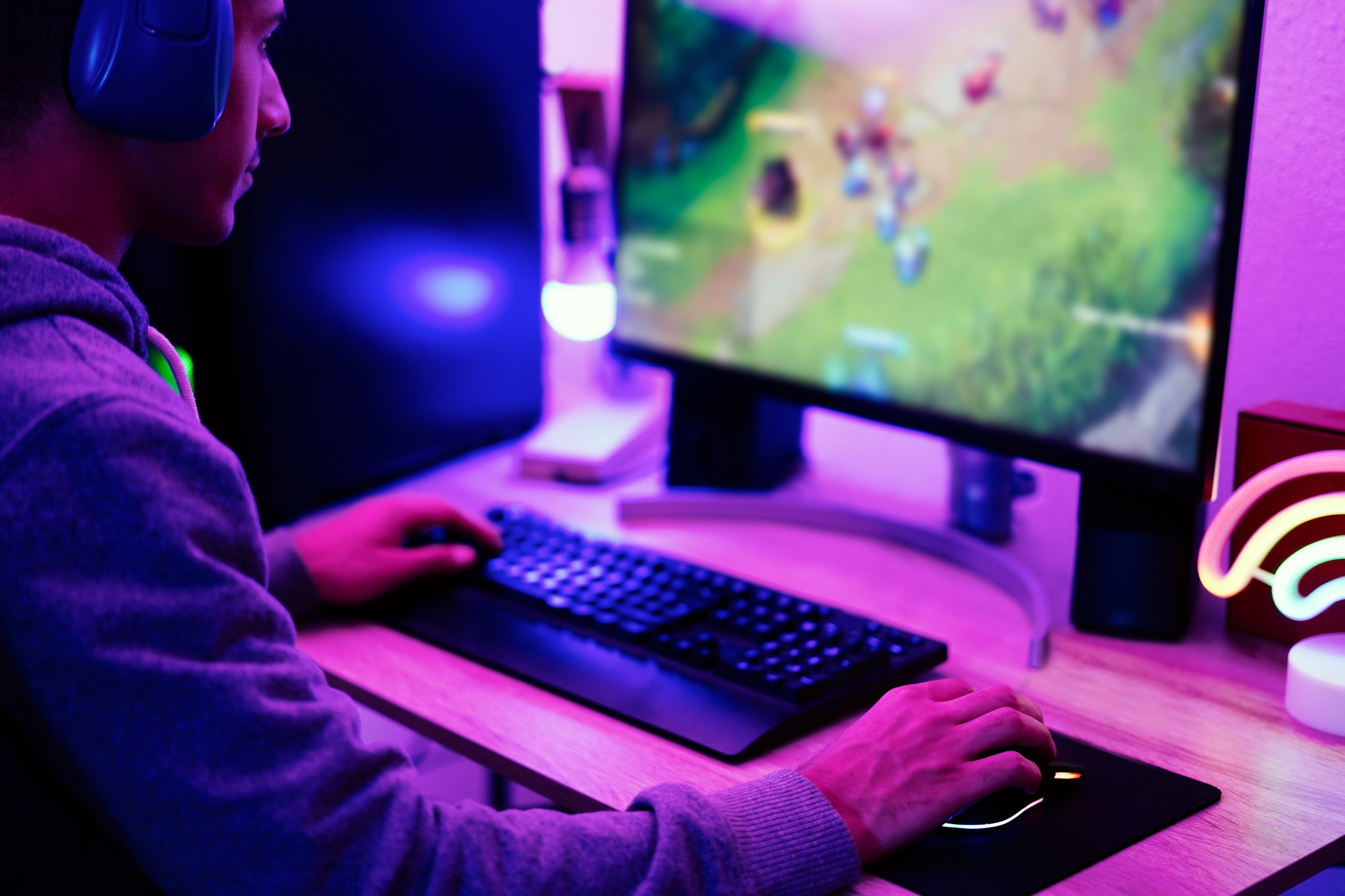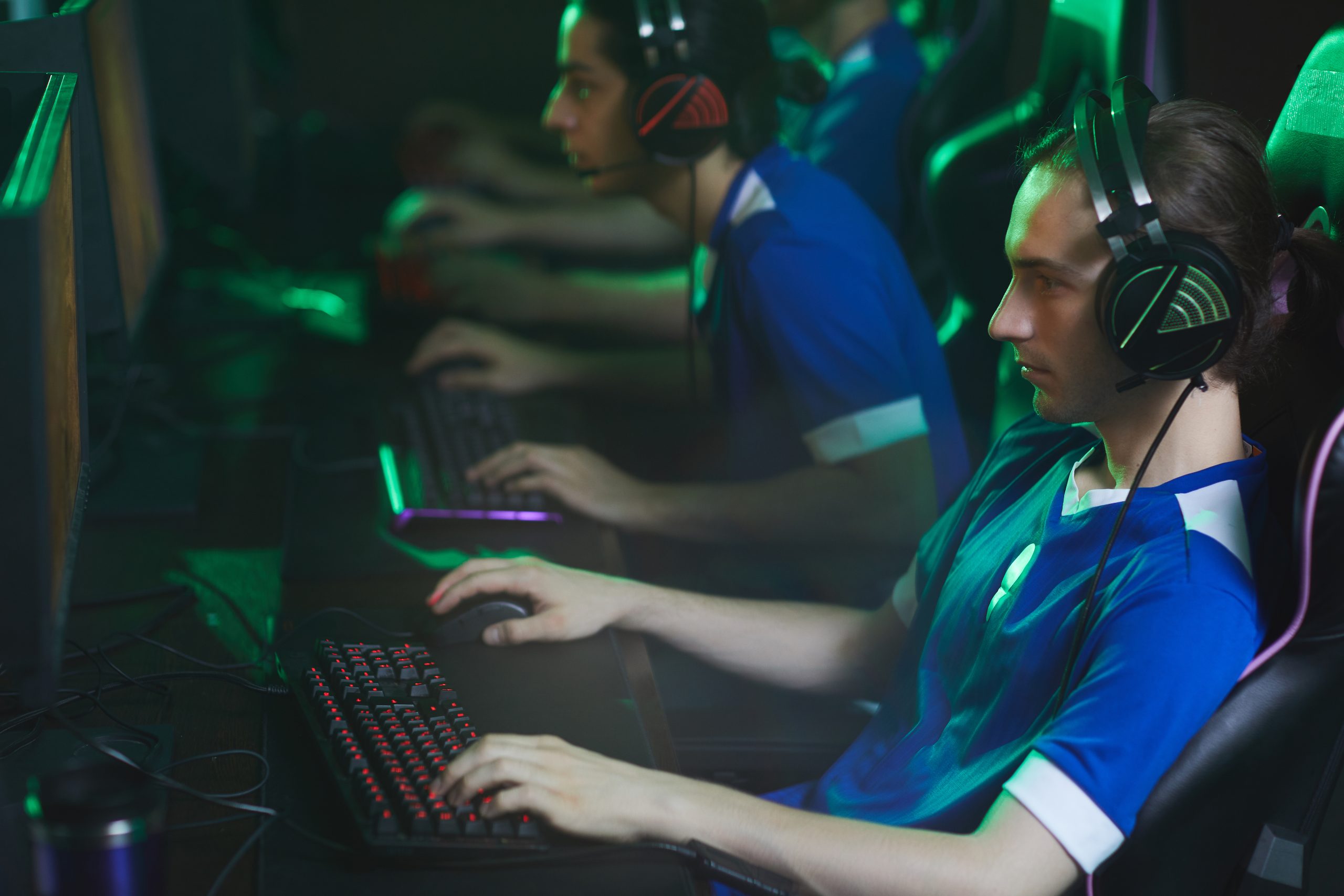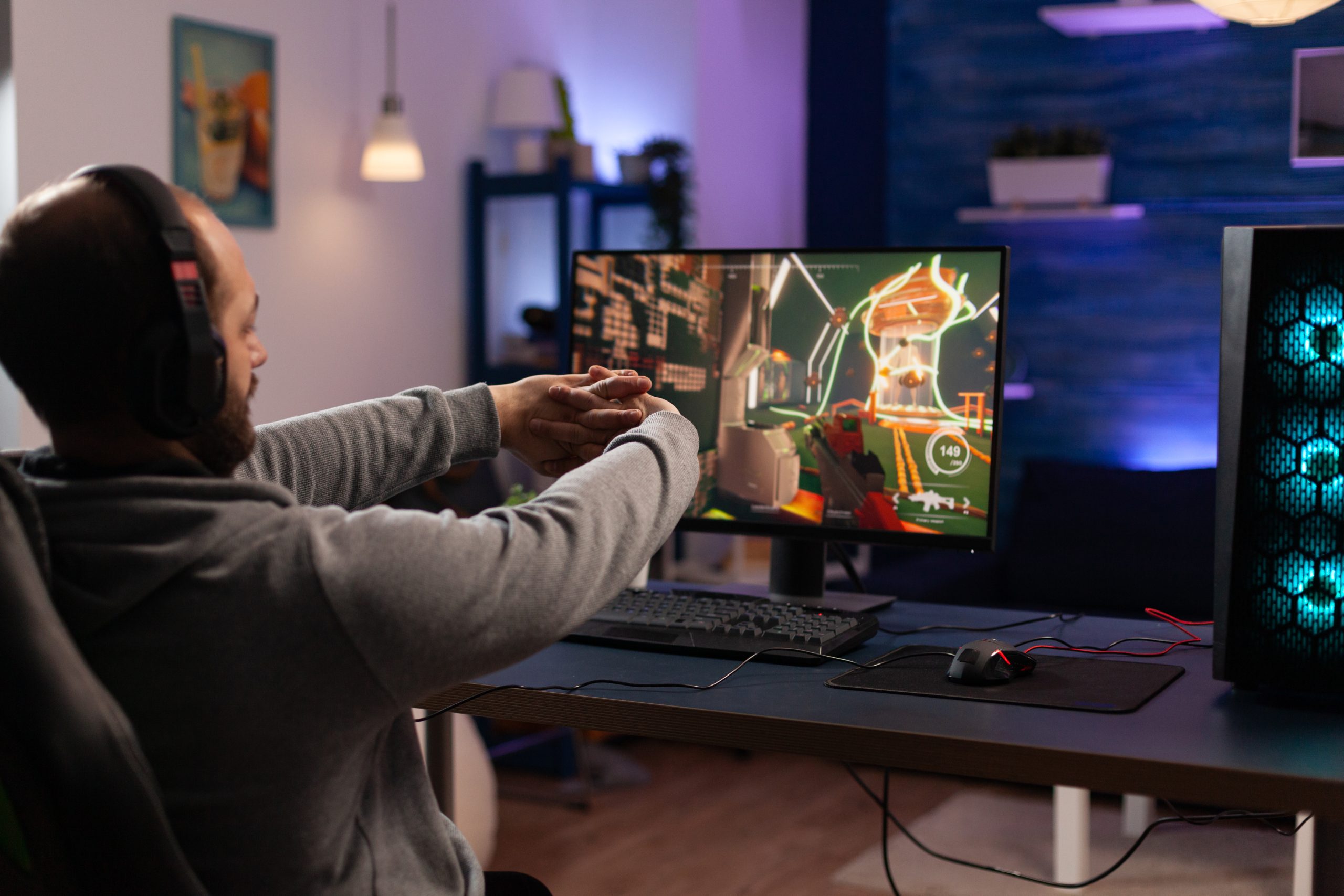
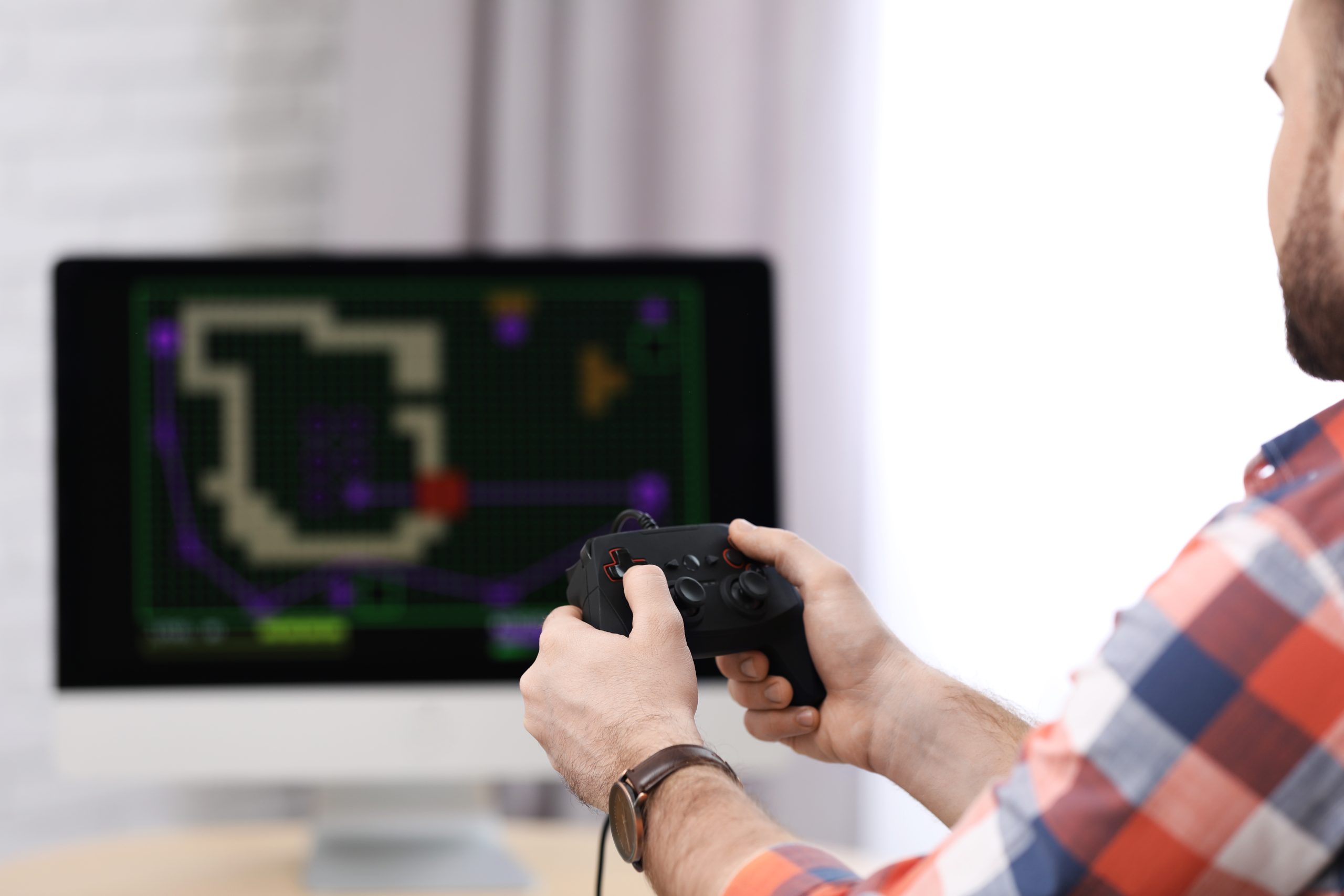
Starting gaming in 2026 is easier than ever, but for beginners it can still feel confusing. There are thousands of games, different platforms, settings, controls, and terms that can overwhelm someone who is just getting started. The good news is that you don’t need to learn everything at once. Gaming is a skill that develops naturally with time and experience.
This guide will help you understand the basics of gaming, choose the right platform, improve your skills, and avoid common mistakes beginners usually make.
What Is Gaming?
Gaming simply means playing digital games on devices like:
- PC (Computer or Laptop)
- Console (PlayStation or Xbox)
- Mobile Phones (Android or iOS)
Games can be:
- Action and shooting games
- Adventure and story-based games
- Sports and racing games
- Strategy and puzzle games
- Multiplayer online games
Modern gaming is not just entertainment anymore. It is also a form of competition, creativity, and even a professional career for some players.
Choosing the Right Gaming Platform
Before you start, you need to decide where you want to play.
PC Gaming
PC gaming is the most flexible option.
Advantages:
- Best graphics and performance
- Wide variety of games
- Customizable settings and hardware
- Supports mods and upgrades
Disadvantages:
- Can be expensive
- Requires technical setup
PC gaming is best for players who want high performance and long-term flexibility.
Console Gaming (PlayStation / Xbox)
Consoles are simple and beginner-friendly.
Advantages:
- Easy to set up and use
- Optimized games for smooth performance
- Exclusive titles (especially on PlayStation)
- Comfortable controller-based gameplay
Disadvantages:
- Less customization than PC
- Hardware cannot be upgraded
Consoles are perfect for beginners who want a plug-and-play experience.
Mobile Gaming
Mobile gaming is the easiest way to start.
Advantages:
- Free or low-cost games available
- No setup required
- Play anywhere
- Huge variety of casual games
Disadvantages:
- Limited controls
- Smaller screen experience
- Performance depends on phone quality
Mobile gaming is ideal for casual players or complete beginners.
Understanding Basic Gaming Controls
Every game has controls, but they usually follow similar patterns.
PC Controls:
- WASD keys = movement
- Mouse = camera and aiming
- Space = jump
- Shift = sprint
Console Controls:
- Analog sticks = movement and camera
- Buttons = actions like jump, shoot, interact
Mobile Controls:
- Touch screen taps and swipes
- Virtual joystick for movement
Once you learn one system, switching becomes easier.
Popular Game Genres for Beginners
Choosing the right type of game makes learning easier.
Action Games
Fast-paced games with combat and movement. Good for improving reflexes.
Adventure Games
Story-driven games focused on exploration and narrative.
Shooting Games
Multiplayer competitive games like battle royale or FPS titles.
Racing Games
Easy to learn and fun for quick gameplay sessions.
Puzzle Games
Great for improving thinking and problem-solving skills.
How to Improve Gaming Skills
Becoming better at gaming takes practice, not talent alone.
1. Start with Easy Games
Don’t jump into highly competitive games immediately. Begin with beginner-friendly titles.
2. Learn Controls First
Spend time understanding movement and basic mechanics before focusing on winning.
3. Watch Other Players
Watching gameplay videos helps you learn strategies and techniques.
4. Adjust Settings
Lower sensitivity or graphics settings if needed for smoother gameplay.
5. Practice Regularly
Even 30–60 minutes of daily practice improves your skills over time.
Common Mistakes Beginners Make
Many new players struggle because of avoidable mistakes:
Playing Too Many Games at Once
Focus on one game instead of switching constantly.
Ignoring Tutorials
Tutorials teach basic mechanics—skipping them slows progress.
Using Wrong Sensitivity Settings
Bad settings can make aiming and movement difficult.
Playing Only Competitive Games
Start with casual modes before entering ranked matches.
Gaming Equipment You May Need
You don’t need expensive gear to start, but some basic tools help:
For PC:
- Keyboard and mouse
- Comfortable headset
- Stable internet connection
For Console:
- Controller
- TV or monitor
- Online subscription (for multiplayer games)
For Mobile:
- A good smartphone
- Optional gaming triggers or controller
Online Gaming Safety Tips
If you play online games, safety is important.
- Never share personal information
- Avoid suspicious links or downloads
- Use strong passwords
- Report toxic or abusive players
- Be careful with in-game purchases
Online gaming is fun, but staying safe is essential.
How to Choose Your First Game
If you are a beginner, start with games that are:
- Easy to learn
- Not too competitive
- Fun and engaging
- Low pressure
Good beginner-friendly examples include:
- Casual mobile games
- Simple racing games
- Story-based adventure games
- Basic multiplayer games
Final Thoughts
Gaming in 2026 is more accessible than ever before. Whether you choose PC, console, or mobile, there is a game for every type of player. The key is to start simple, learn gradually, and enjoy the experience without pressure.
You don’t need to become a pro overnight. Every expert gamer started as a beginner.
If you stay consistent, practice regularly, and explore different game types, you will naturally improve over time and find the games you enjoy the most.