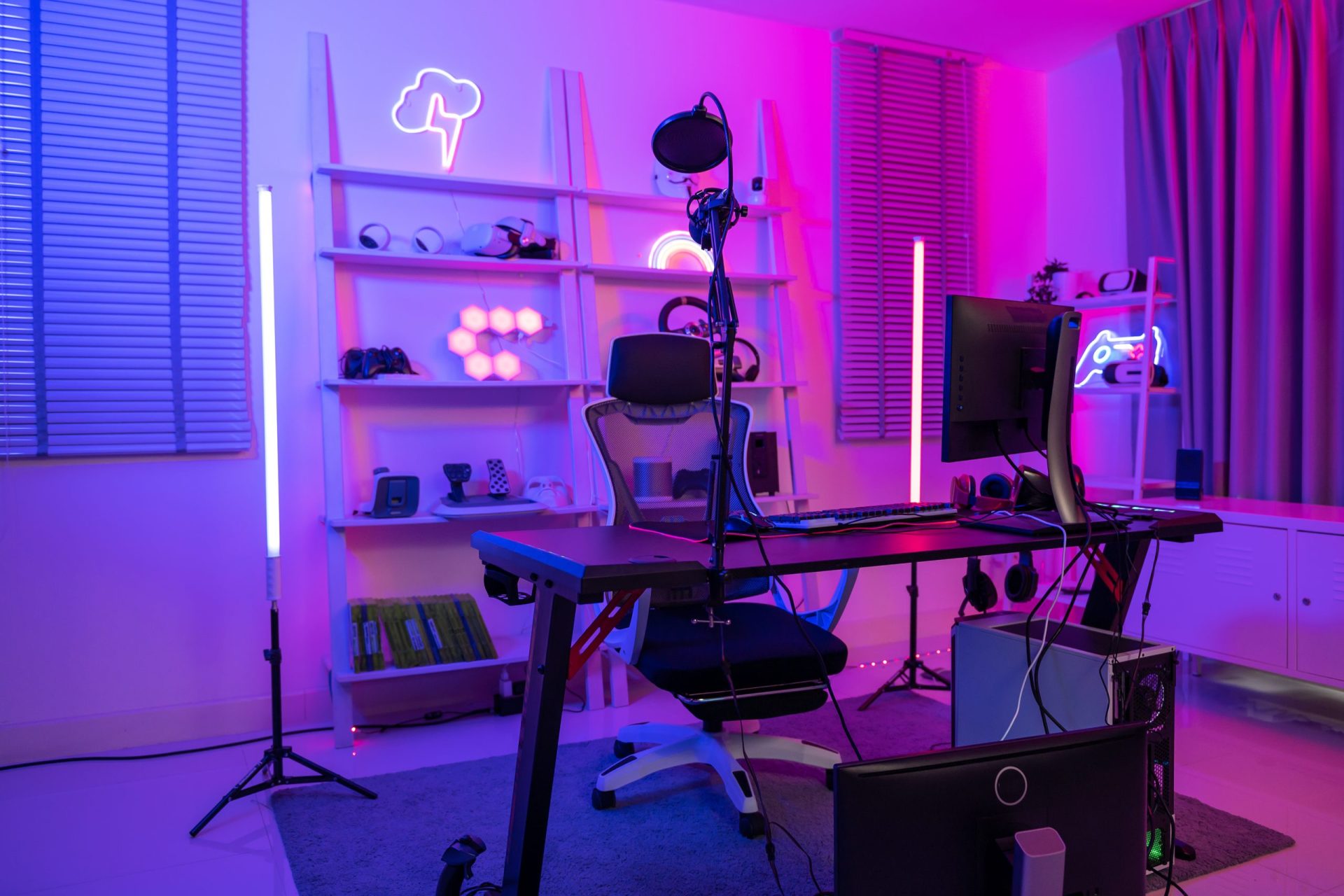
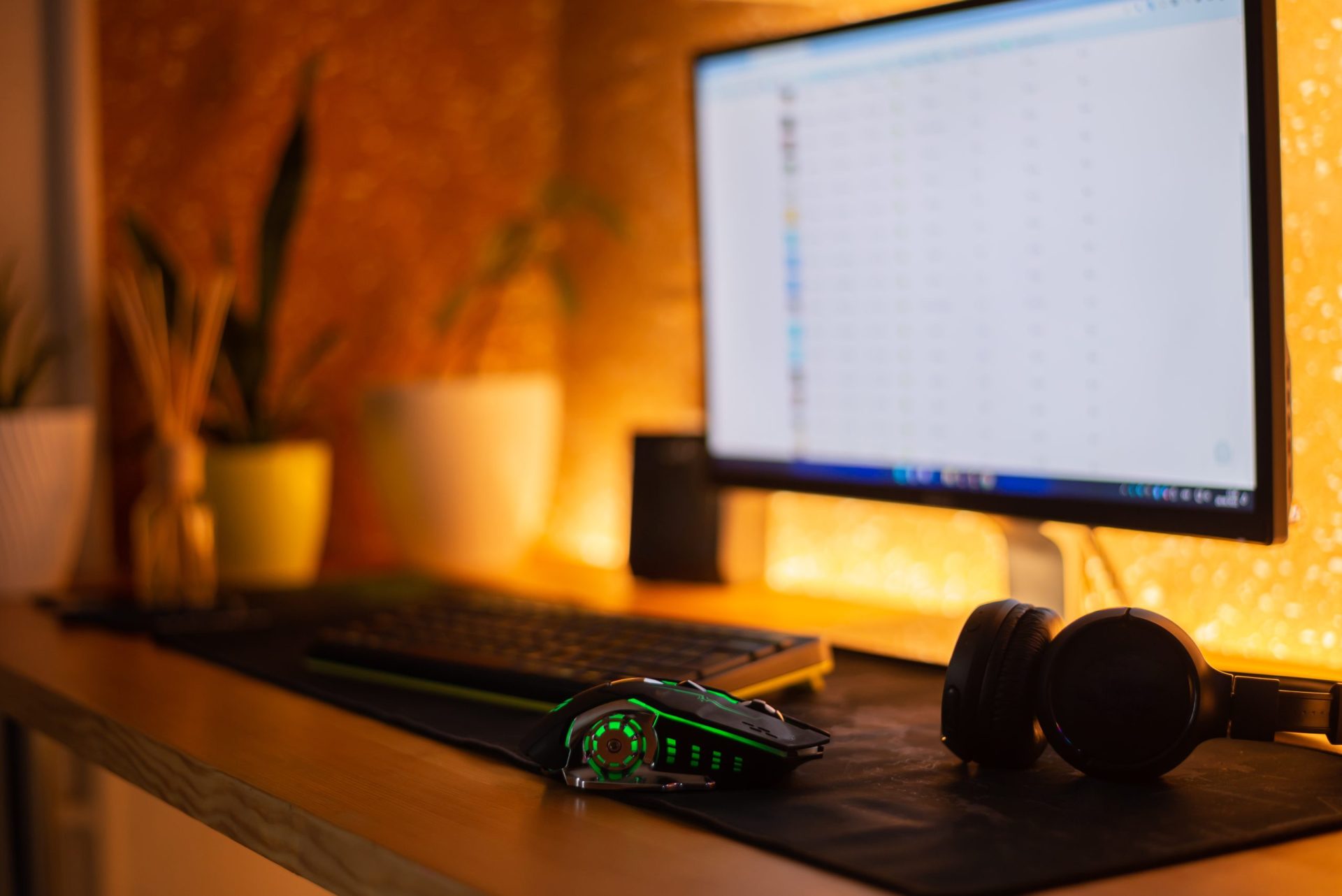
A perfect gaming setup is not just about expensive hardware. It is about performance, comfort, ergonomics, visuals, and consistency working together. In 2026, the best setups are designed for high FPS gaming, low input lag, and long-session comfort.
Here is a complete guide to building the perfect gaming setup step by step.
1. Choose the Right Gaming PC or Console
Your setup starts with the main system.
High-performance gaming PC:
- RTX 5070 Ti / 5080 / 5090 GPUs
- Ryzen X3D or Intel Core Ultra CPUs
- 32GB DDR5 RAM minimum
- NVMe SSD for fast loading
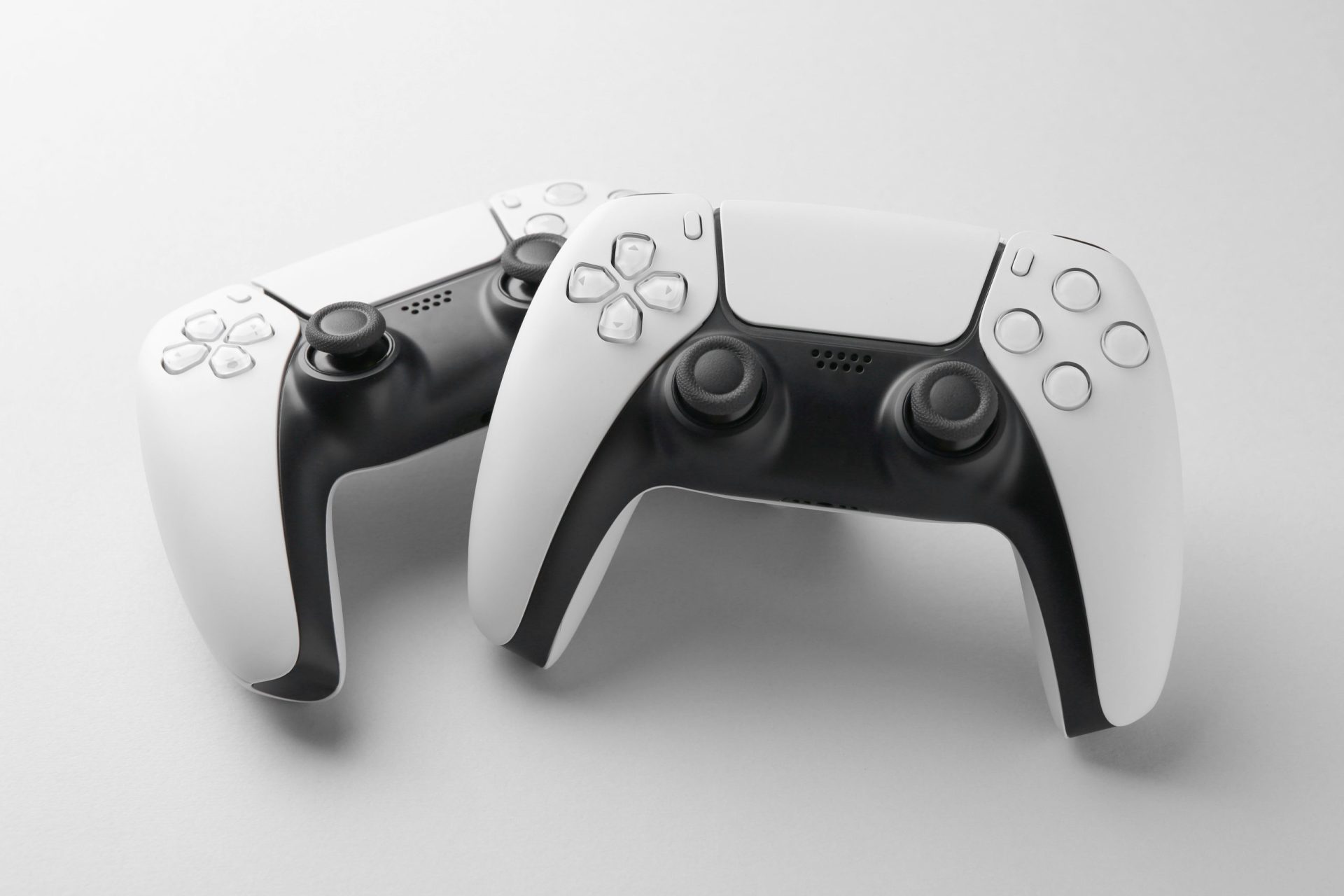
Console setup:
- PlayStation or Xbox with 120Hz support
- Optimized for plug-and-play gaming
Key idea:
Your system decides your FPS, graphics quality, and smoothness.
2. Get a High Refresh Rate Monitor
Your monitor is one of the most important parts of a gaming setup.
What to choose:
- 144Hz minimum
- 165Hz–240Hz ideal for competitive gaming
- 1ms response time
- IPS or OLED panel for color accuracy
Why it matters:
Higher refresh rate means:
- Smoother motion
- Faster reaction visibility
- Better aim tracking
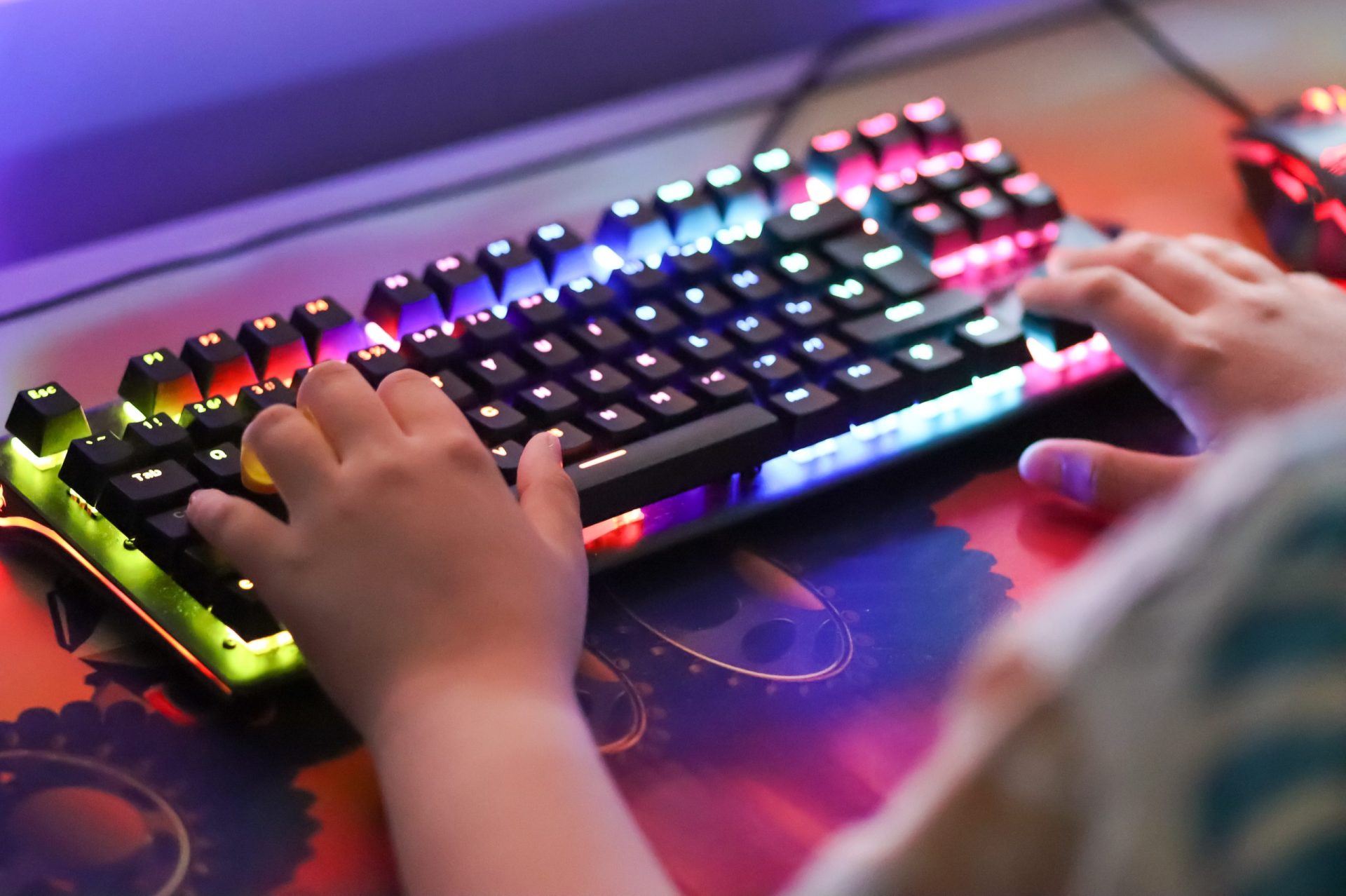
3. Choose a Mechanical Keyboard
A good keyboard improves reaction speed and control.
Best features:
- Mechanical or Hall Effect switches
- Rapid response time
- TKL layout for more mouse space
- Anti-ghosting support
Why it matters:
Faster inputs give you a real advantage in FPS and MOBA games.
4. Gaming Mouse for Precision Control
Your mouse is your aim control system.
What to look for:
- Lightweight design (60–80g ideal)
- High DPI sensor (16K+)
- Low latency wireless or wired connection
- Programmable buttons
Why it matters:
Better mouse = better accuracy, faster flicks, and improved reaction time.
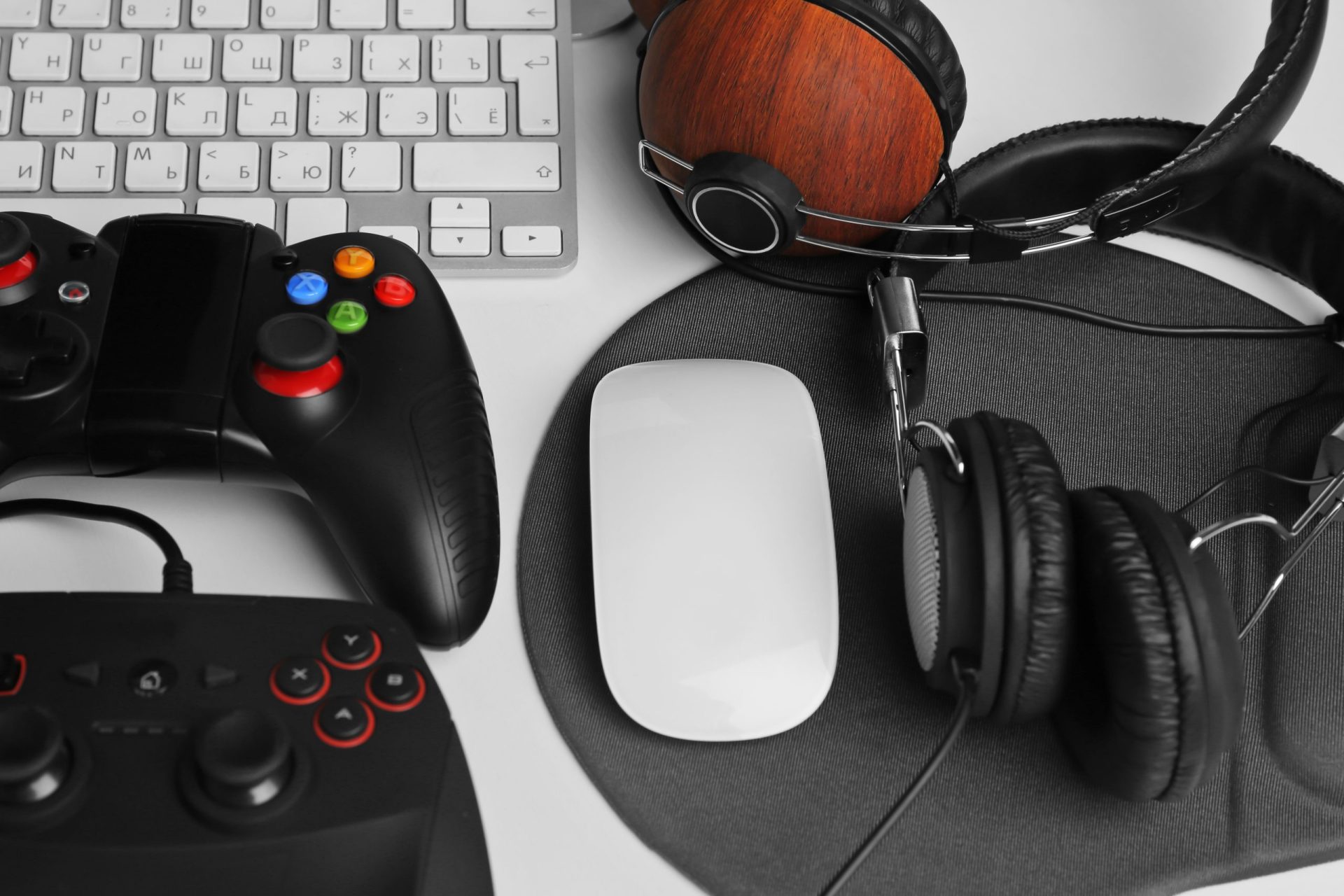
5. Gaming Headset for Awareness
Sound is a competitive advantage.
Features:
- Spatial audio support
- Clear microphone for team communication
- Noise isolation or cancellation
- Balanced sound profile
Why it matters:
You can hear enemy movement before you see them.
6. Comfortable Gaming Chair
Comfort directly affects performance.
Good chair features:
- Adjustable height and armrests
- Lumbar and neck support
- Breathable material
- Strong ergonomic design
Why it matters:
Poor posture reduces focus and increases fatigue.
7. Proper Gaming Desk Setup
Your desk controls your posture and space.
Ideal setup:
- Large surface for mouse movement
- Monitor positioned at eye level
- Clean cable management
- Enough space for accessories
Result:
Better organization = better focus and performance.
8. Lighting Setup (Optional but Important)
Lighting improves both mood and visibility.
Options:
- LED strip lights behind monitor
- RGB ambient lighting
- Soft white desk lighting
Why it matters:
Reduces eye strain and improves immersion.
9. Cooling and Airflow System
Performance depends on temperature.
For PCs:
- Good airflow case design
- Multiple fans or liquid cooling
- Dust-free environment
For laptops:
- Cooling pads
- Elevated stands
Why it matters:
Better cooling = stable FPS and no throttling.
10. Internet Connection (Very Important for Online Gaming)
A strong setup is useless with lag.
Ideal setup:
- Low ping broadband connection
- Wired Ethernet cable (preferred)
- Stable upload/download speeds
Why it matters:
Reduces lag, rubber-banding, and packet loss.
11. Cable Management and Clean Setup
A clean setup improves focus.
Tips:
- Use cable sleeves or clips
- Route cables behind desk
- Keep workspace minimal
Result:
Less distraction, more professional look.
12. Optional Upgrades for Pro-Level Setup
If you want a competitive edge:
- High-end gaming mouse pad (control or speed type)
- Stream deck for shortcuts
- Webcam for streaming
- External SSD for game storage
Final Thoughts
The perfect gaming setup is built around:
- High-performance system
- Smooth display (high refresh rate)
- Fast input devices
- Good audio and communication
- Comfort and ergonomics
- Stable internet connection
Simple conclusion:
A perfect gaming setup is not about one expensive item—it is about balancing performance, comfort, and reliability together.